Photographer HPGE | Stage 2–3 Creative Arts
Program overview
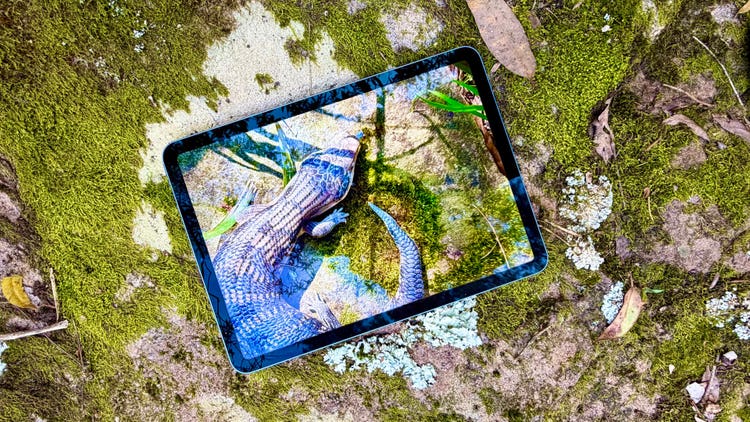
Photographer is a one-day Stage 2 and Stage 3 Creative Arts HPGE enrichment program where students become nature photographers and investigate how professional photographers use composition to create striking images. Working throughout Field of Mars Reserve, students explore perspective, framing, focus, lighting, texture, pattern and visual storytelling while developing advanced observation skills.
Students use Field of Mars Environmental Education Centre iPads to capture and edit nature photographs, curate a digital portfolio and create a photography book. Each student selects one standout photograph to be printed and framed, and selected images are presented in a gallery-style slideshow. HPGE domains: creative, intellectual.
We have been advised that this program is exempt from the screen use limits under the new screen use guidelines for schools, as the use of technology in this program is purposeful, intensive and curriculum aligned.
Learning intentions
- We are learning to closely observe nature and use composition, perspective, framing, focus and lighting to create striking photographs.
- We are learning to select and edit digital photographs to strengthen meaning, visual impact and audience attention.
- We are learning to curate and present a portfolio that communicates our ideas and photographic choices.
Jump to: Program and curriculum | Essential information | Plan and prepare | Location | Extend student learning | Related HPGE programs

Program and curriculum information
Program activities
Activities may change to suit student needs, photographic opportunities, participant numbers, timing and weather conditions.
Composition and visual analysis
Students investigate how professional photographers use composition to control what an audience notices and how an image is interpreted. Using printed photographs, framing tools and gallery-style discussion, they explore the rule of thirds, leading lines, framing, focus, balance and visual emphasis.
Nature photography fieldwork
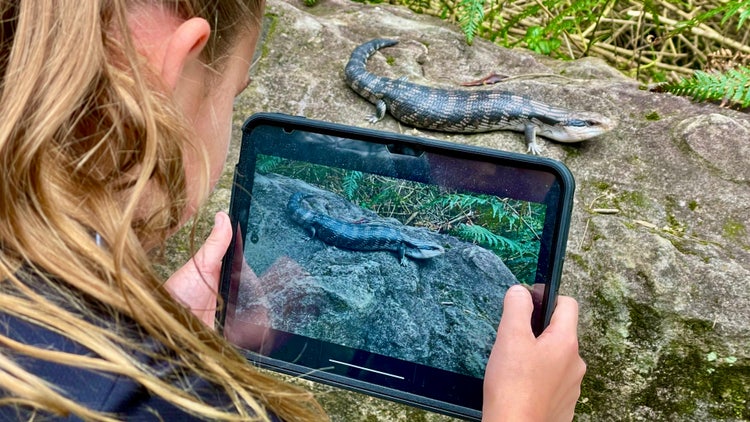
Students use Field of Mars Environmental Education Centre iPads to explore Field of Mars Reserve as nature photographers. They search for unusual perspectives, changing light, small details, natural patterns and purposeful compositions.
Students experiment with macro photography, viewpoint, framing, texture, symmetry and focus while photographing plants, animals, landscapes and other natural features.
Editing and portfolio
Students review and select their strongest photographs before using digital editing tools to refine colour, contrast, cropping, lighting and focus. They consider how each adjustment changes visual impact and directs audience attention.
Students curate their photographs into a digital portfolio and photography book. The book is printed, and a PDF version is shared with the school through Google Drive.
Framed photograph and gallery showcase
Each student selects one photograph to be printed on photographic paper, mounted in a frame and returned to the school as a finished exhibition-style artwork.
Selected photographs are presented in a gallery-style slideshow at the conclusion of the program. Parents and carers are welcome to attend and celebrate student creativity and achievement.
Timetable
Time |
Activities |
| 9.15 | Arrival |
| 9.30–10.15 | Composition and visual analysis |
| 10.15–10.30 | Recess |
| 10.30–12.00 | Nature photography fieldwork |
| 12.00–12.30 | Lunch |
| 12.30–2.00 | Editing and portfolio |
| 2.00–2.15 | Gallery slideshow |
| 2.15 | Student collection and departure |
The timetable may be adjusted according to participant numbers, photographic opportunities, environmental conditions and the needs of participating students.
Syllabus outcomes and content
Students will learn to
- closely observe natural subjects, forms, colours, textures, patterns and spaces
- analyse how photographers use composition to represent subject matter and ideas
- apply framing, perspective, focus, lighting and the rule of thirds when taking photographs
- experiment with macro photography and different viewpoints
- select photographs according to purpose, quality and visual impact
- use digital editing tools to refine colour, contrast, cropping, lighting and focus
- curate photographs into a coherent portfolio and publication
- explain and evaluate photographic and curatorial choices for an audience.
The program supports the Creative Arts K–6 Syllabus (2024) through visual arts making, nature observation, photography, composition, digital technologies, image editing, curation and exhibition.
Creative Arts K–6 Syllabus (2024) – Stage 2
Visual Arts
Outcome
- CA2-VIS-01 – Makes artworks using art forms to represent subject matter and ideas, and describes ways artists convey ideas about their world to audiences through artworks
Content addressed
Making: Artists represent their world through subject matter and ideas in artworks
- Represent subject matter and ideas in artworks, making choices based on own interpretations of the world
- Explore digital tools to make or manipulate still or moving images, text and/or sounds
- Explore balance, scale and proportion in compositions to represent subject matter and ideas
Creative Arts K–6 Syllabus (2024) – Stage 3
Visual Arts
Outcome
- CA3-VIS-01 – Makes artworks in intentional ways to represent ideas about their world, and explains ways artists are influenced by contexts and how artworks are interpreted by audiences
Content addressed
Making: Artists represent their world in intentional ways through their artmaking practice
- Represent ideas or perspectives of their world and intentions in own artmaking practice
- Create intentional effects with awareness of the relationships between colours and tones, to represent subject matter or ideas in realistic, imaginative or symbolic ways
- Apply understandings of materials, digital technologies and processes to represent intended ideas in artworks
- Explore artistic conventions and ways to represent subject matter and ideas in compositions
Creative Arts K-6 Syllabus (2024) © NSW Education Standards Authority (NESA) for and on behalf of the Crown in right of the State of New South Wales, 2024
Tier 2 and 3 vocabulary
Essential information
Program costs, eligibility and booking
Cost
$60 per student – GST free
Program costs are processed through each student’s home school.
Program costs may change. If program costs change after you book, you will be charged at the original cost.
Eligibility
This program is available to Stage 2 and Stage 3 students enrolled in NSW Department of Education schools.
Schools should select students who demonstrate strong interest or potential in photography, visual arts, close observation, composition, digital image editing, visual storytelling or portfolio development. Selection should consider curiosity and potential, not only prior achievement.
Dates and booking
Photographer is offered on selected HPGE program dates. Check available dates and remaining places before selecting students.
View HPGE program dates and remaining places
Cancellations
Less than 4 weeks notice – full cost (excluding HPGE programs in Term 1, Weeks 3–5)
Weather or fire danger cancellation – $0
Student numbers, supervision and support
Student numbers
A school may nominate up to twelve students for each HPGE program day.
Places are limited and subject to the remaining program capacity.
Supervision
Classroom teachers are not required to attend but are welcome.
Field of Mars Environmental Education Centre teachers supervise students throughout the program. Schools must provide a teacher or school learning support officer when a student requires additional assistance to participate safely and successfully.
Student information
Schools must provide accurate medical, allergy, medication, emergency contact, collection and support information for every participating student.
Student details must be confirmed at least seven working school days before the program. Changes can be made using the edit-submission link provided with the booking confirmation.
Support and adjustments
Notify Field of Mars Environmental Education Centre before the program about any mobility, sensory, communication, behavioural, medical or learning support requirements. Staff can discuss reasonable adjustments and suitable participation options.
What to bring, arrival and transport
Students should bring
School sports uniform, backpack, medication, low-waste food, water bottle, sunscreen, raincoat, hat and sturdy shoes.
Arrival and departure
Students should be dropped off by 9.15 am and collected at 2.15 pm.
A teacher, parent or responsible adult must supervise students until they have been received by Field of Mars Environmental Education Centre staff.
Transport and parking
Schools and families are responsible for transport to and from Field of Mars Reserve.
Cars must park in the main car park beside Pittwater Road. Students and accompanying adults then walk along the access road to the centre.
Risk management, weather and cancellations
Risk management
The program includes indoor activities, outdoor photography fieldwork, walking near natural vegetation and creeks, and using iPads in bushland environments.
Schools should review the Field of Mars Reserve risk management information when planning student participation and transport.
Students who are unwell should not attend.
View the Field of Mars Reserve risk management plan
View Field of Mars Reserve location and access information
Weather
The program may be modified, postponed or cancelled because of predicted extreme temperatures, bush fire danger, heavy rainfall, high winds or dust storms.
Field activities may continue in light rain when conditions are safe. Students must bring a waterproof raincoat.
Families may be directed to the Westminster Road entrance when flooding prevents access through the main entrance.
Plan and prepare for your visit

Field of Mars Reserve social story
Help Stage 2 and 3 students understand where they will go, what they may experience and how to participate safely during their visit.

Preparing for your excursion
Help students and families prepare for the program by checking clothing, food, water, medication, transport and outdoor learning requirements.
Location
Field of Mars Reserve
Main location
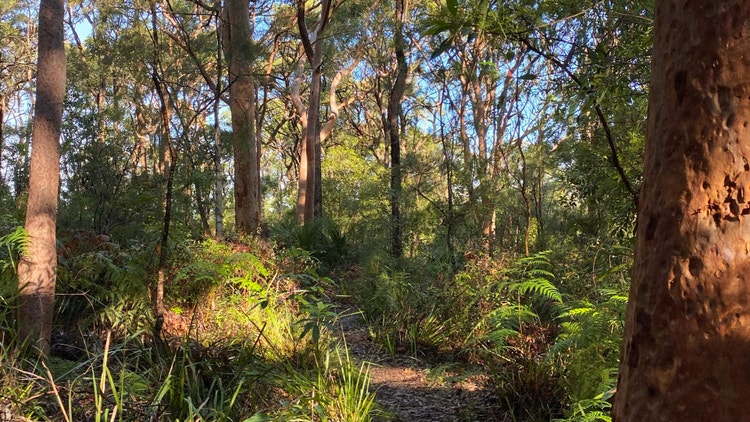
Find risk management information, parking details, access information and walking track information for Field of Mars Reserve.
Teachers, parents or responsible adults will need to drop off and collect students.
Westminster Road
Alternative entrance
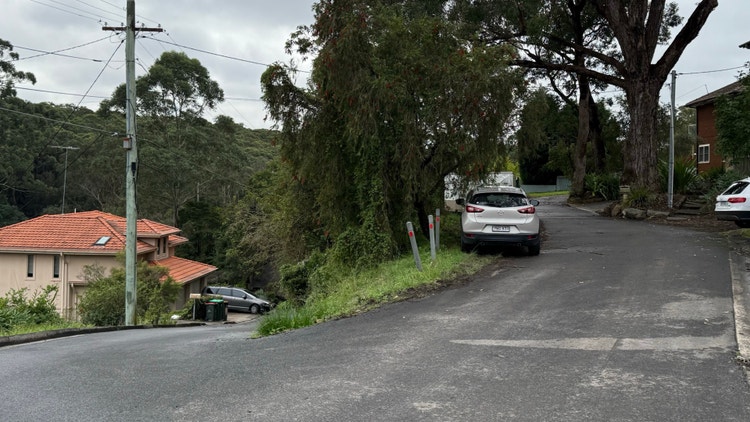
This entrance or exit provides alternative access during severe high tides and heavy rainfall events that cause flooding at the main Pittwater Road entrance.
Extend student learning
Use these student-friendly fact sheets before or after your Photographer HPGE enrichment program to support subject selection, field photography, image editing and gallery-style presentation.
- Field of Mars Reserve fact sheet – Explore the bushland environment students use to capture, edit and curate nature photographs.
- Eucalypt forest ecosystem fact sheet – Learn about forest layers, habitats, plants, animals and food webs that can become photographic subjects.
- Plant fact sheets – Explore native plants with leaves, flowers, bark, colours, textures and patterns suitable for photography.
- Tree habitats fact sheet – Discover bark, branches, flowers, hollows and canopy features that can be photographed from different perspectives.
- Leaf litter habitats fact sheet – Learn about small forest-floor details that support close observation and macro photography.
- Invertebrate fact sheets – Explore insects, spiders, worms, molluscs and other small animals that can become nature photography subjects.
Learn with us
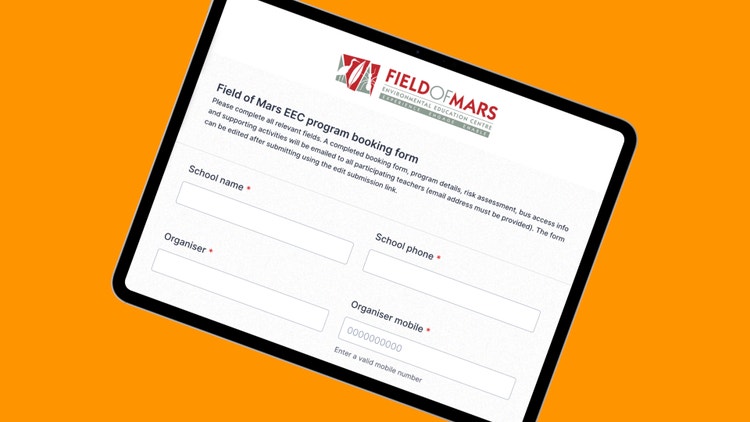
Book this HPGE enrichment program
Check program dates and remaining places, then book places for selected students using the Field of Mars EEC HPGE booking page.
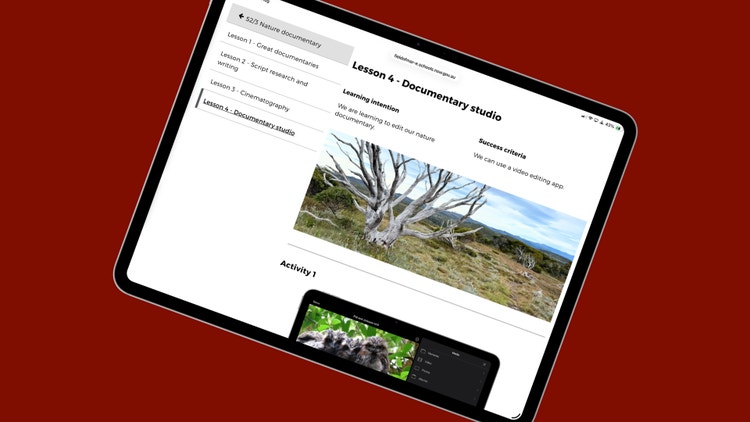
Learning resources
Explore lessons, digital activities, fact sheets and classroom resources that support outdoor and environmental learning before or after the HPGE program.
Related HPGE programs
Augmented Reality Studio HPGE enrichment program
Students investigate invertebrate features, behaviours and habitats before creating a digital specimen and augmented reality science explanation using iPads.
Field guide HPGE enrichment program
Students become field naturalists, photograph natural specimens, explore bushland colour palettes and create a multi-page digital field guide using Procreate.